
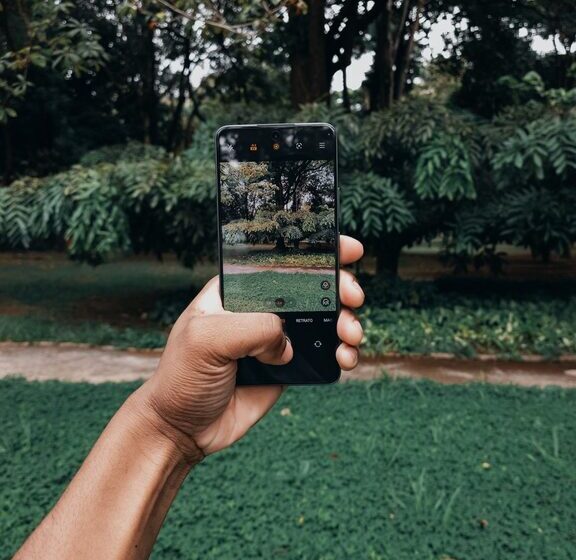

Taking great photos with your phone is easier than you might think. With the right techniques and a little practice, you can capture beautiful images without needing expensive equipment. Whether you’re just starting out or want to improve your snapshots, this guide will share beginner-friendly tips to help you take better phone photos.
Understand Your Phone Camera
Before diving into shooting, spend some time exploring your phone’s camera app. Different phones have different features, such as portrait mode, night mode, or manual settings. Knowing what your camera can do helps you make the most of it.
– Open your camera app and try out different modes.
– Look for settings like HDR, timer, or gridlines.
– Experiment with zoom and focus options.
Keep Your Lens Clean
A simple but often overlooked step is to keep the camera lens clean. Dust, fingerprints, and smudges can make your photos appear blurry or hazy.
– Gently wipe the lens with a soft, lint-free cloth.
– Avoid touching the lens with fingers.
– Clean the lens regularly, especially after carrying your phone in a bag or pocket.
Use Natural Light
Lighting is key to good photography. Natural light, especially during the early morning or late afternoon (golden hour), can add warmth and depth to your photos.
– Avoid harsh midday sunlight which can cause strong shadows.
– Position your subject so light hits it from the side or front.
– Use shaded areas for softer, more even light.
Compose Thoughtfully
Composition helps tell a story or create a pleasing image. Here are some easy rules to improve your framing:
Rule of Thirds
Divide your screen into a 3×3 grid using gridlines available in your camera settings. Position important elements along these lines or where they intersect for balanced photos.
Leading Lines
Use natural lines like roads, fences, or rivers to guide the viewer’s eye into the photo.
Fill the Frame
Get close to your subject to eliminate distractions and highlight details.
Hold Your Phone Steady
Shaky hands can cause blurry pictures. To keep your phone stable:
– Hold your phone with both hands.
– Tuck your elbows close to your body.
– Lean against a wall or stable surface if possible.
– Consider using a small tripod for extra stability.
Focus and Exposure
Most phones allow you to tap the screen to focus on a specific point.
– Tap the subject on your screen to lock focus.
– Adjust exposure by sliding your finger up or down after tapping to brighten or darken the image.
– Lock focus and exposure if you’re shooting multiple photos of the same scene to maintain consistency.
Avoid Using Digital Zoom
Digital zoom reduces image quality by cropping and enlarging the photo digitally.
– Instead of zooming in, try moving closer to your subject.
– If you need to zoom, use the optical zoom feature if your phone has multiple lenses.
Use Editing Apps
Post-processing can enhance your photos by adjusting brightness, contrast, cropping, and more.
– Popular free editing apps include Snapseed, VSCO, and Lightroom Mobile.
– Don’t over-edit; keep your images natural and true to the moment.
– Experiment with filters and adjustments to find your style.
Experiment With Different Perspectives
Try capturing your subject from various angles.
– Shoot from a low or high angle to add interest.
– Move around your subject to find the most flattering view.
– Capture close-ups and wide shots for variety.
Practice Regularly
Like any skill, photography improves with practice.
– Take photos daily or whenever you have your phone handy.
– Review your images to see what works and what can be improved.
– Don’t be afraid to make mistakes—they’re part of learning.
Use Burst Mode for Action Shots
If you’re photographing moving subjects, use your phone’s burst mode to capture multiple shots quickly.
– Hold down the shutter button to take a series of photos.
– Choose the best frame from the burst later.
Be Mindful of Backgrounds
A distracting background can take attention away from your subject.
– Look for simple, uncluttered backgrounds.
– Move your subject or change your shooting angle to minimize distractions.
– Use portrait mode to blur the background on supported phones.
—
By applying these beginner tips, you’ll see noticeable improvements in your phone photography. The best camera is the one you have with you, so use these ideas to capture memorable moments with your smartphone anytime, anywhere!